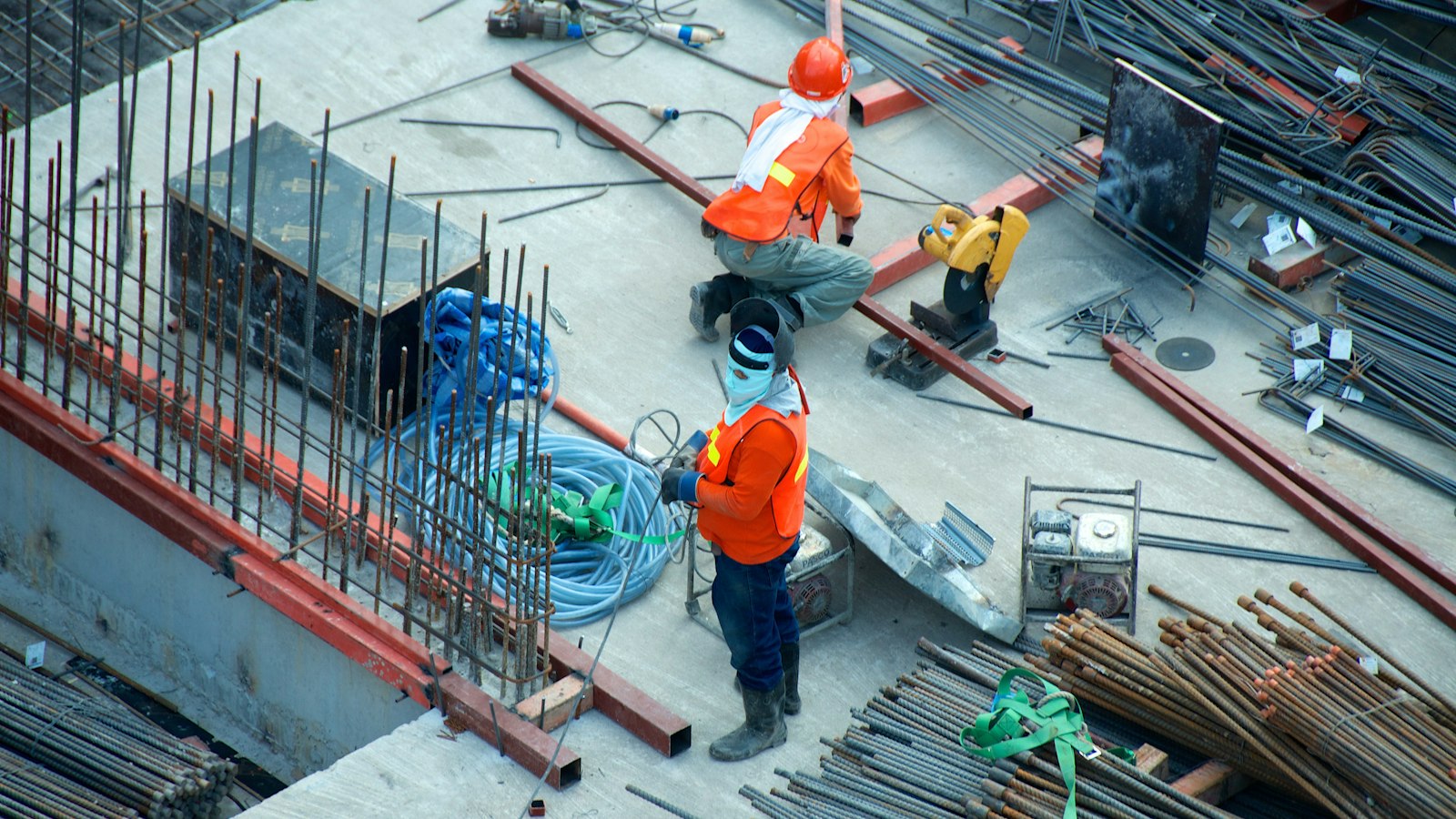
A connected jobsite needs more than a router in the trailer. Before crews depend on cloud plans, RFIs, cameras, tablets, and office systems, the site needs reliable internet, usable Wi-Fi coverage, secure device access, and a backup plan for when the primary connection fails.
The checklist below covers the decisions that matter most without turning the project into an IT exercise.
Your jobsite connectivity checklist
The simplest way to approach jobsite connectivity is to plan it like any other piece of project infrastructure. Decide what the site needs, build in redundancy, test it before crews rely on it, and adjust it as the project progresses.
1. Start with the primary internet connection
The first decision is how the site will connect to the internet. The best option depends on where the project is located, how quickly the site needs to go live, how long the project will last, and what services are available.
Each common option fits different sites.
- Business cable or fiber. It can provide strong performance for long-duration projects, but installation may require significant lead time.
- 4G/5G cellular. It is often faster to deploy and works well when the site has strong carrier coverage.
- Satellite internet. It can be useful on remote or greenfield sites where wired and cellular options are limited.
- Fixed wireless. It may be an option when a nearby building or provider can deliver a clear wireless link to the site.
Do not choose a connection based only on advertised download speed. A jobsite may need to upload large drawings, progress photos, camera footage, drone files, and other project data throughout the day. Upload performance and reliability deserve as much attention as download speed.
2. Make sure the connection can handle actual jobsite work
Bandwidth needs are driven by what the team is doing, not just the number of people on site. A small project that mainly uses email and cloud forms has very different requirements from a multi-story build with cameras, large BIM files, and frequent owner meetings.
Real jobsite workloads include the following.
- Cloud project management platforms and shared plan sets
- Large BIM, CAD, and drawing files
- Video meetings with owners, architects, engineers, and office teams
- Photo, drone, and progress-documentation uploads
- Security and time-lapse cameras
- Tablets, laptops, phones, time clocks, sensors, and connected equipment
Several high-resolution cameras or large file uploads can consume the same connection employees are using for RFIs, calls, and plan access. Those uses should be considered before service is selected, not after the network is already overwhelmed.
3. Have a backup internet connection

A construction site should not depend on one connection if losing the internet would interrupt active work. Fiber can be cut. Cellular towers can become congested or go offline. Satellite service can be affected by placement, weather, or provider issues. When that happens, a site without backup service can lose access to drawings, RFIs, communications, and other tools crews need to keep moving.
A backup connection can be as simple as a second carrier or a secondary satellite or cellular service configured to take over when the primary connection fails. The important part is that the backup is already installed and tested, not improvised after the outage starts.
A practical rule is that if crews cannot safely keep working when the internet goes down, the site needs a tested backup connection.
4. Plan Wi-Fi for the whole site, not just the trailer
A router that works well during early mobilization may not cover the same areas once the structure changes. Concrete slabs, steel, walls, glass, machinery, stored materials, and additional floors can all reduce wireless coverage. Identify where employees actually need a connection. Trailers, active floors, laydown yards, gates, storage areas, and other work zones all deserve a real signal test instead of an assumption based on trailer coverage.
Then follow a simple coverage process.
- Test those areas.
- Add professional access points or additional coverage where needed.
- Recheck coverage after major structural changes such as enclosure, additional floors, or drywall.
- Move or expand equipment when dead zones appear.
Jobsite Wi-Fi is not a set-it-and-forget-it system. The network should change as the building changes.
5. Secure tablets, phones, and laptops
Field tablets and laptops often provide access to drawings, email, project platforms, financial information, and company systems. If one is lost or stolen, the problem can become more serious than the cost of replacing the hardware.
Company devices should be centrally managed where possible. At minimum, they should have the following.
- Strong PIN, password, or biometric login protection
- Multi-factor authentication for important company systems
- Device encryption
- Automatic operating system and application updates
- Approved business applications
- Remote lock or wipe capability if a device goes missing
The goal is simple. Losing a tablet should not mean losing control of company data or access credentials.
Being able to show these controls are in place matters too. Our post on why most small businesses fail their first cybersecurity assessment explains why.
6. Separate employees, subcontractors, guests, and cameras
One shared Wi-Fi password for everyone on site is easy to set up, but difficult to control. Subcontractors change, guests come and go, and connected cameras or equipment may have different security requirements than company devices.
Provide separate network access for different groups, such as the following.
- Company employees and office systems
- Managed field tablets and devices
- Subcontractors and guests
- Security cameras and other connected equipment
Subcontractors may need internet access to upload reports or use project platforms, but they generally do not need access to internal company systems. Temporary or expiring guest access also makes it easier to remove access when a trade finishes its work. The FTC advises that guest Wi-Fi should not be connected to your business network.
7. Plan security cameras around your internet connection
Jobsite cameras can support theft prevention, progress documentation, remote monitoring, and time-lapse footage. They can also become one of the biggest users of upload bandwidth if every camera continuously sends high-resolution video over the same connection crews rely on.
A more practical setup may include the following.
- Local recording for full-quality footage
- Lower-resolution streams for remote viewing
- Scheduled uploads for larger video files
- Camera traffic kept separate from normal business traffic
The goal is to keep surveillance useful without letting it interfere with RFIs, BIM synchronization, file uploads, or video meetings.
8. Secure remote access to office systems
Project managers and field teams may need access to accounting software, estimating systems, ERP platforms, shared files, or other office resources from the jobsite. That access should be convenient without exposing internal systems to unnecessary risk.
Secure remote access starts with the following.
- Use multi-factor authentication.
- Limit access to the systems each user actually needs.
- Use a properly secured VPN or Zero Trust-style remote access service.
- Keep field devices updated and protected.
- Avoid exposing Remote Desktop directly to the internet.
You do not need to become a cybersecurity expert to evaluate this. The important question to ask an IT provider is how your field team can reach company systems without opening those systems directly to the internet.
9. Protect networking equipment from the jobsite environment
Construction sites are harder on technology than normal offices. Dust, moisture, high temperatures, physical damage, temporary power, generators, and electrical surges can all affect network equipment.
Networking gear should be placed in a protected location and supported by appropriate surge and backup-power protection. Outdoor equipment should be designed for outdoor conditions. If connectivity is critical to daily operations, treating the network closet or trailer rack like disposable gear is a false economy.
10. Test everything before crews depend on it

The best time to discover a dead zone, failed backup connection, camera bandwidth problem, or login issue is before the jobsite is fully operational.
Run through these tests before go-live.
- Test internet performance during normal work conditions.
- Walk the jobsite and verify Wi-Fi where crews will actually work.
- Disconnect the primary internet connection and confirm the backup works.
- Test company tablets, laptops, and project applications.
- Confirm cameras can be viewed and recorded without slowing critical work.
- Test subcontractor or guest Wi-Fi.
- Confirm remote access and multi-factor authentication.
- Document who to contact when something fails.
Common jobsite connectivity mistakes to avoid
Waiting until mobilization day
Internet service, hardware, coverage planning, and security should be addressed before field teams arrive. Wired services may require weeks of lead time, and even cellular or satellite setups work better when coverage and placement are checked early.
Relying on personal hotspots
A mobile hotspot can help one person get online or provide temporary emergency access. It is not a dependable primary network for a busy site with multiple users, cameras, cloud systems, and connected devices.
Using one shared Wi-Fi password
Shared credentials are difficult to control once they have been given to employees, subcontractors, vendors, and visitors. Separate access makes it easier to limit what each group can reach and remove access when it is no longer needed.
Forgetting about upload speed
Many jobsite workloads send large amounts of data out to the internet. Cameras, BIM files, photo documentation, drone footage, and video calls can all compete for upload capacity. A connection that looks fast on paper can still fail under real jobsite traffic.
Treating Wi-Fi as set it and forget it
A network that worked on an open floor may perform differently after concrete, steel, walls, and glass are installed. Build Wi-Fi reviews into major project milestones instead of waiting for workers to report dead zones.
Relying on one internet provider
When a single connection fails, a site without backup service may lose real-time access to drawings, cloud systems, communications, and other tools. If those systems are operationally important, redundancy should be planned in advance. We cover the cost of outages and single points of failure at the whole-business level in The Real Cost of IT Downtime for Brevard County Businesses.
Questions to ask your IT provider before a new jobsite opens
Ask these questions.
- What internet options are available at this location?
- Which connection should be primary, and what should we use for backup?
- Can the service handle our cameras, project applications, large file uploads, and video calls?
- How will Wi-Fi reach the areas where crews actually work?
- How will coverage be expanded as the structure changes?
- How will subcontractors and guests be separated from company systems?
- How will company tablets and laptops be managed and protected?
- Can a lost device be remotely locked or wiped?
- How will field employees securely access office systems?
- Who provides support if the network fails during active project hours?
A good provider should be able to answer these questions in practical terms and explain how the setup will change as the project progresses.
Our IT support for construction companies includes temporary job site connectivity and secure remote access to project files.
Final jobsite connectivity checklist
Before the jobsite goes live, confirm the following.
- Primary internet service is installed and tested.
- A backup internet connection is ready and tested.
- Bandwidth is appropriate for cloud apps, file uploads, cameras, and video calls.
- Wi-Fi reaches trailers and required work areas.
- There is a plan to recheck coverage as construction progresses.
- Company tablets and laptops are secured and centrally managed where possible.
- Subcontractor and guest access is separated from company systems.
- Cameras are configured so they do not overwhelm the internet connection.
- Remote access uses MFA and a secure access method.
- Network equipment is protected from power problems and site conditions.
- IT support contacts and escalation procedures are documented.
If a jobsite outage would mean lost drawings, missed RFIs, or crews standing idle, that risk deserves the same planning as any other business continuity issue.