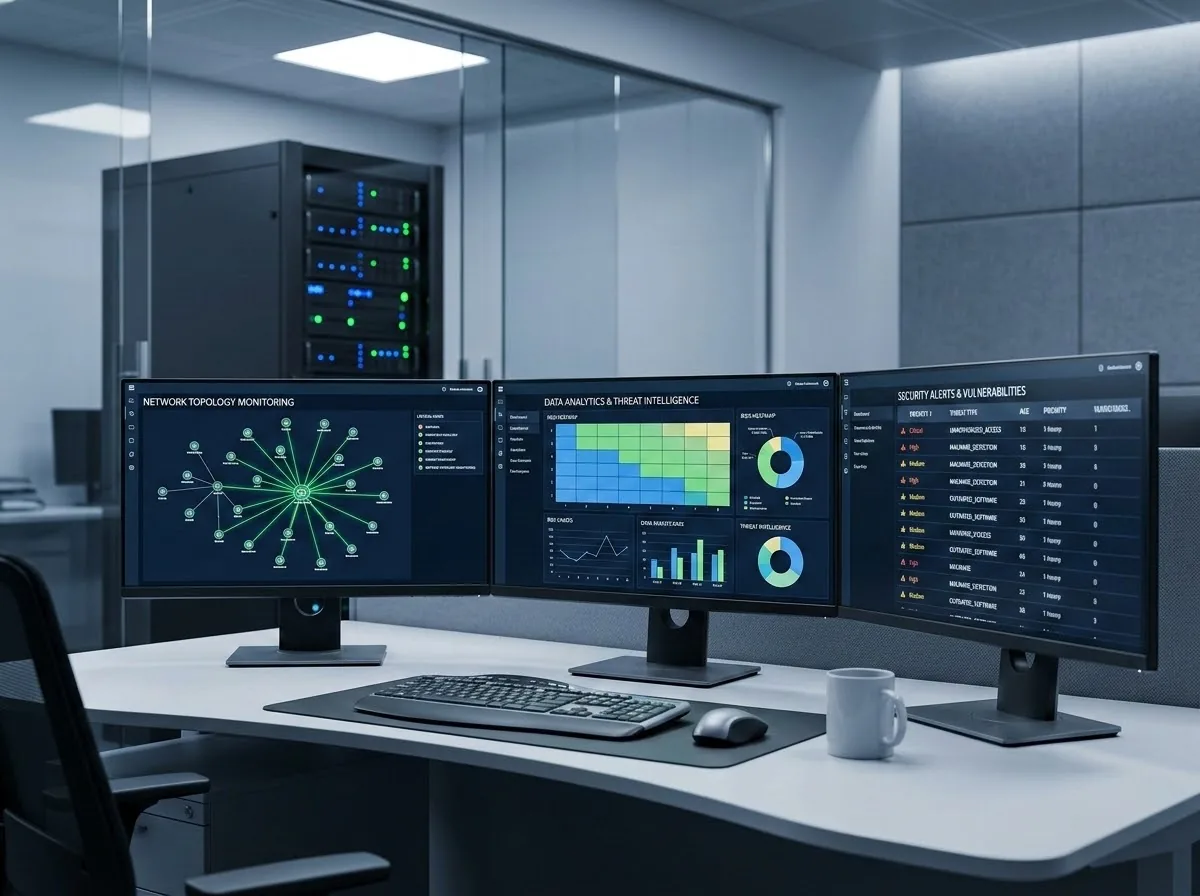
An annual IT risk assessment helps a business identify what has changed, where new weaknesses may exist, and which problems deserve attention before they lead to downtime, data loss, financial damage, or compliance issues.
What is an IT risk assessment?
An IT risk assessment is a structured review of the ways technology problems could affect the business. It looks at where weaknesses exist, how likely they are to cause trouble, and what the business impact could be if something goes wrong.
It's broader than a basic vulnerability scan. A scan may find an outdated system or missing security update. A risk assessment asks the next questions:
- What depends on that system?
- What data could be exposed?
- How much downtime could it cause?
- Can the business recover quickly?
A practical assessment usually considers technology, employees, business processes, vendors, data, backups, and the organization's ability to keep operating during an incident.
Why does it need to be done every year?
Because your IT environment doesn't stay the same for long. Even if the company hasn't made a major technology change, small changes throughout the year can create new risk. Employees join, leave, or change roles, which can create unnecessary access or forgotten accounts. Teams add new software, cloud platforms, AI tools, and file-sharing services. Laptops, servers, firewalls, and other systems get older and may eventually lose vendor support. Remote and hybrid work can change how employees connect to company systems, new vendors and integrations can introduce additional access to company data or systems, and cyber threats and regulatory expectations continue to change.
An assessment completed several years ago may describe a business that no longer exists. An annual review gives leadership an updated picture of the company's actual risk today.
What problems can an annual IT risk assessment find?
The most useful findings are often not exotic cybersecurity problems. They're everyday weaknesses that quietly build up over time.
Outdated technology
Older software and hardware may no longer receive security updates or vendor support, which can leave known weaknesses unpatched and make failures harder to recover from.
Weak employee access controls
A review may find former employees who still have accounts, staff with more permissions than they need, or important accounts that aren't protected with multi-factor authentication. These problems increase the damage that can occur if an account is compromised.
Backup problems
A company may believe it's protected because backups exist, but the real question is whether those backups are safe and usable. If no one has tested a restore, the business may not know whether critical data can actually be recovered during an outage or ransomware incident.
Unapproved or poorly managed software
Employees sometimes adopt cloud apps, file-sharing tools, or AI services without central review, which can spread business information across systems the company isn't actively monitoring.
Vendor risks
Managed IT providers, payroll platforms, accounting software, cloud tools, and other vendors may have access to important systems or data. Their security practices can affect your risk too.
Poor incident preparation
Some businesses discover they don't have a clear plan for who does what during a cyberattack, major outage, or data-loss event. An assessment can expose those gaps before an emergency forces the company to figure them out under pressure.
What should an annual IT risk assessment review?
A useful assessment should cover the areas that could realistically affect the business, without turning into a technical exercise for its own sake:
- Computers, servers, mobile devices, and other business hardware
- Software and cloud applications
- Employee accounts, permissions, and administrator access
- Password and multi-factor authentication practices
- Email and endpoint security
- Data storage and protection
- Backups and recovery procedures
- Remote access and work-from-home connections
- Vendors with access to systems or sensitive information
- Employee cybersecurity practices and training
- Incident response and business continuity plans
The goal isn't simply to produce a list of technical issues. The goal is to identify which weaknesses create meaningful business risk.
Why backups deserve special attention
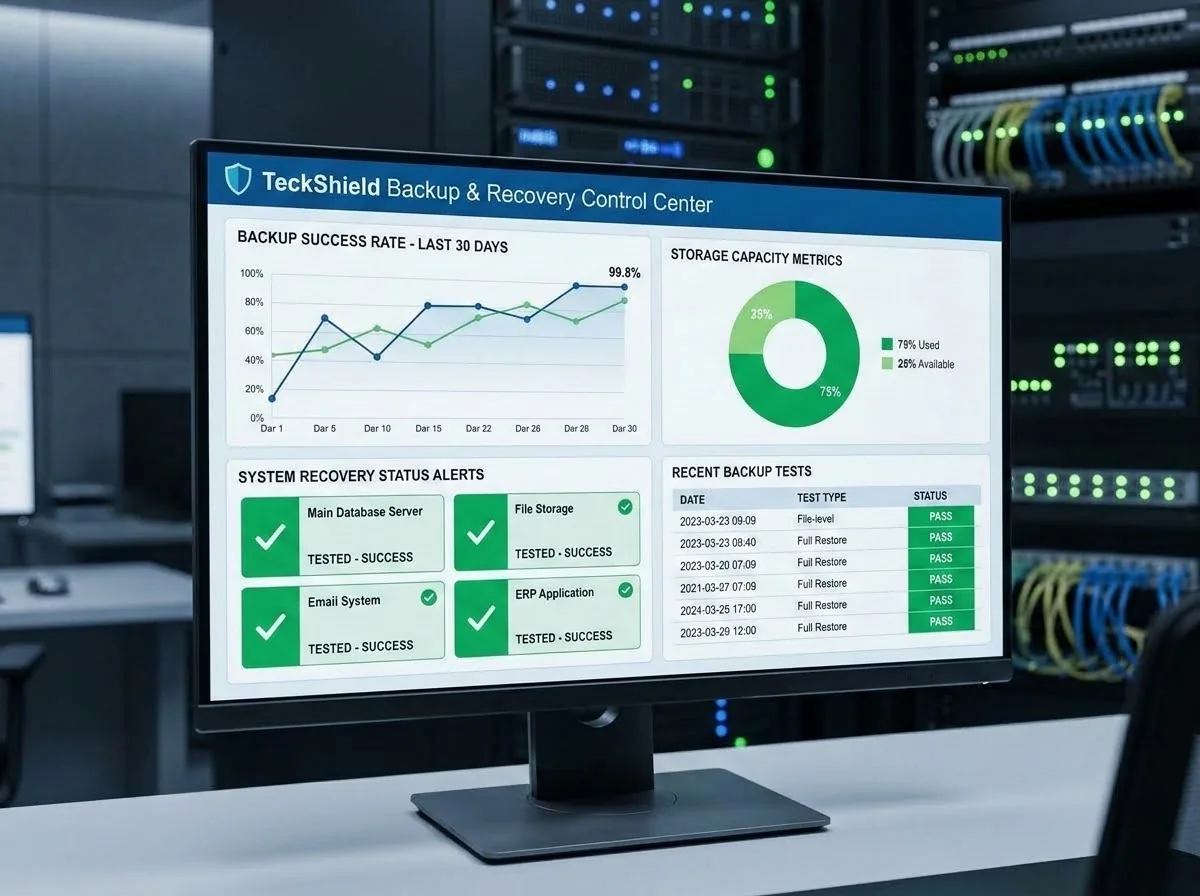
Backups are one of the most important areas to review because having a backup is not the same as being able to recover. Businesses should know:
- What's being backed up
- How often backups run
- Where copies are stored
- Whether critical systems can actually be restored
A backup that has never been tested can create false confidence.
At minimum, the company should periodically test recovery for important files and systems so it knows what would happen after ransomware, hardware failure, accidental deletion, or another serious disruption.
Don't forget about employees and vendors
IT risk doesn't come only from technology. People and third parties are part of the environment too. Employee-related risks can include phishing, weak passwords, excessive access, unapproved software, poor handling of sensitive data, and failure to remove access when someone leaves the company.
Vendors can create similar exposure when they connect to company systems or handle sensitive information, which is why a good annual assessment should review who has access, what they can reach, and whether that access is still necessary.
IT risk assessments can also support compliance and cyber insurance
For some businesses, risk assessments are more than a general best practice. Certain industries and regulations require organizations to formally evaluate security risks. Healthcare organizations subject to HIPAA's Security Rule and financial institutions covered by the FTC Safeguards Rule have formal risk-analysis or risk-assessment obligations, and businesses that handle payment card data may also have risk-related requirements under PCI DSS.
Cyber insurance applications and renewals may also ask about controls such as multi-factor authentication, endpoint protection, backups, and incident response. Requirements vary by insurer and industry, so businesses should confirm what applies to them rather than assuming one standard fits everyone.
What happens after the assessment?
The assessment should end with a practical action plan, not a giant technical report that no one uses. A useful final report should tell leadership what the most important risks are, why each risk matters to the business, which issues need attention first, what should be done to reduce the risk, who's responsible for each action, and what should be addressed now versus later.
Not every issue deserves the same urgency. A weakness that could cause a major outage, data breach, or financial loss should usually be prioritized ahead of a minor technical issue with little business impact.
Is once a year enough?
For many businesses, an annual assessment is a strong baseline. But some changes are significant enough that waiting until the next annual review may not make sense. Consider another assessment after a cybersecurity incident or data breach, a major cloud or software migration, rapid company growth, opening a new location, a merger or acquisition, a major new business system or application, a significant vendor change, or a regulatory change that affects the business.
The larger the change, the more important it is to confirm that security and recovery plans still match the way the business now operates.
Simple annual IT risk assessment checklist
Business owners don't need to perform every technical test themselves, but they should be able to confirm that these basics are being reviewed each year:
- Current hardware and software
- Important systems are still supported and receiving updates
- Accounts that are no longer needed have been removed
- Administrator and high-level access
- Multi-factor authentication is enabled on important accounts
- Backup coverage and tested recovery
- Email, endpoint, and remote-access protections
- Vendors that have access to company systems or data
- Employee cybersecurity practices and training
- Incident-response plan
- Important findings from the previous assessment were fixed
Frequently asked questions
What's the difference between a vulnerability scan and an IT risk assessment?
A vulnerability scan identifies specific technical weaknesses, like an outdated system or missing patch. A risk assessment goes further, evaluating what depends on that system, what data could be exposed, and how much business impact a failure could cause.
How often should a small business get an IT risk assessment?
Once a year is a strong baseline for most businesses, but major events like a cyber incident, rapid growth, a system migration, or a significant vendor change may justify a review sooner than the next scheduled one.
Does having backups mean a business is protected?
Not necessarily. A backup that has never had its restore tested can create false confidence. Businesses should periodically confirm that critical data and systems can actually be recovered, not just that a backup exists.
Do IT risk assessments help with cyber insurance?
Often, yes. Cyber insurance applications and renewals may ask about controls like multi-factor authentication, endpoint protection, backups, and incident response, all areas a good risk assessment typically covers.
What should happen after an IT risk assessment is completed?
The assessment should produce a practical, prioritized action plan, not just a technical report, identifying the most important risks, why they matter, who's responsible for fixing them, and what should be addressed now versus later.